 Beamcord
Français
Beamcord
Français
Watch a PC screen live on a phone
Follow a game from the couch, show something to someone who only has their phone, keep an eye on a long render: all it takes is opening a link.
No app to install on the phone
The stream opens in the phone's browser, or in the Discord app if the link was shared there. Nothing to install, nothing to set up, and no account to create to watch.
A smooth picture, even on a phone
It isn't a promise, it's measured: on iPhone, each frame is displayed in 6 ms in Safari and 7 ms in Discord, the most demanding case, without a single frame dropped out of 120. The stream keeps its 60 frames per second.
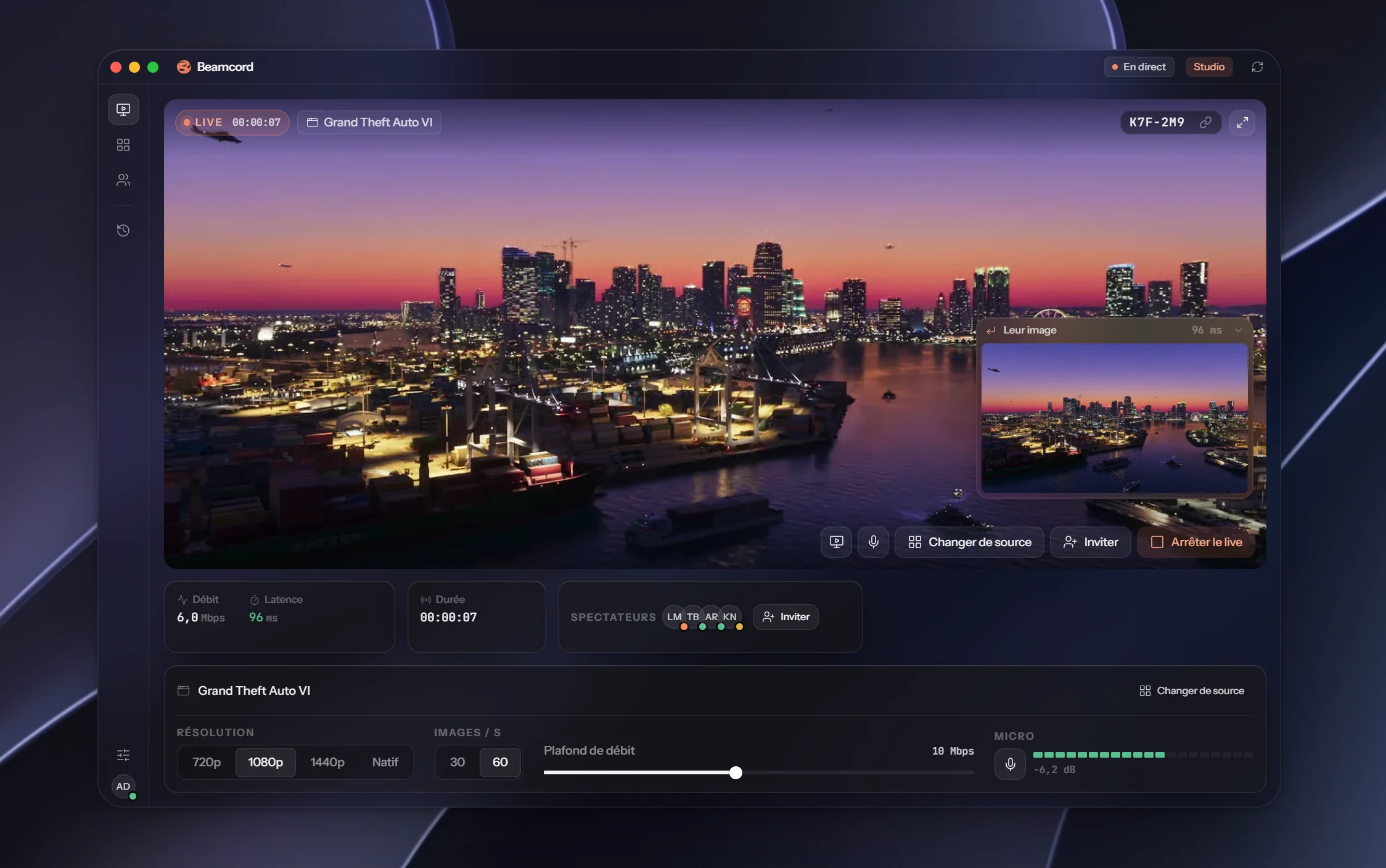
On the PC side, the picture is encoded by the machine's video chip, in 1080p, and arrives in 96 ms (measured median).
How it works
- On the PC, open Beamcord and pick a screen or a window.
- Start the stream and send the link to yourself, or to whoever is watching.
- Open the link on the phone: the stream starts.
- 6 msper frame in Safari on iPhone
- 0frames dropped out of 120
- 0apps to install
FAQ
- Do I need to install an app on the phone?
- No. The link opens in the browser, or in Discord if it was shared there.
- Does audio play on the phone?
- Yes. As with any video on a phone, you may need to tap the sound button to turn it on.
- Can I stream from the phone?
- No: Beamcord streams from a Windows PC. The phone is for watching.
- How much does it cost?
- Watching is free. Streaming costs €3.99 a month with Solo (1080p, 60 frames per second, up to 20 viewers), or €7.99 with Studio (up to 1440p and native resolution, up to 50 viewers). Cancel anytime.
Your PC screen, in your pocket
One link, and the stream opens on the phone.
See the plansFrom €3.99 a month · Windows 10+ · free for viewers