 Beamcord
Français
Beamcord
Français
Stream the audio of a single app
You share your screen, and your friends hear themselves talk with a delay, or hear your notifications. The fix isn't turning the volume down: it's capturing only the sound of the app you're showing.
Where the echo comes from
Capturing "computer audio" means capturing everything it plays: the game, but also background music, notifications, and the voices on your call. Those voices go back out in the stream, and your friends hear themselves, delayed.
Muting your speakers changes nothing: capture reads the sound before it reaches the volume control. The only real fix is choosing what gets captured.
One app, and nothing else
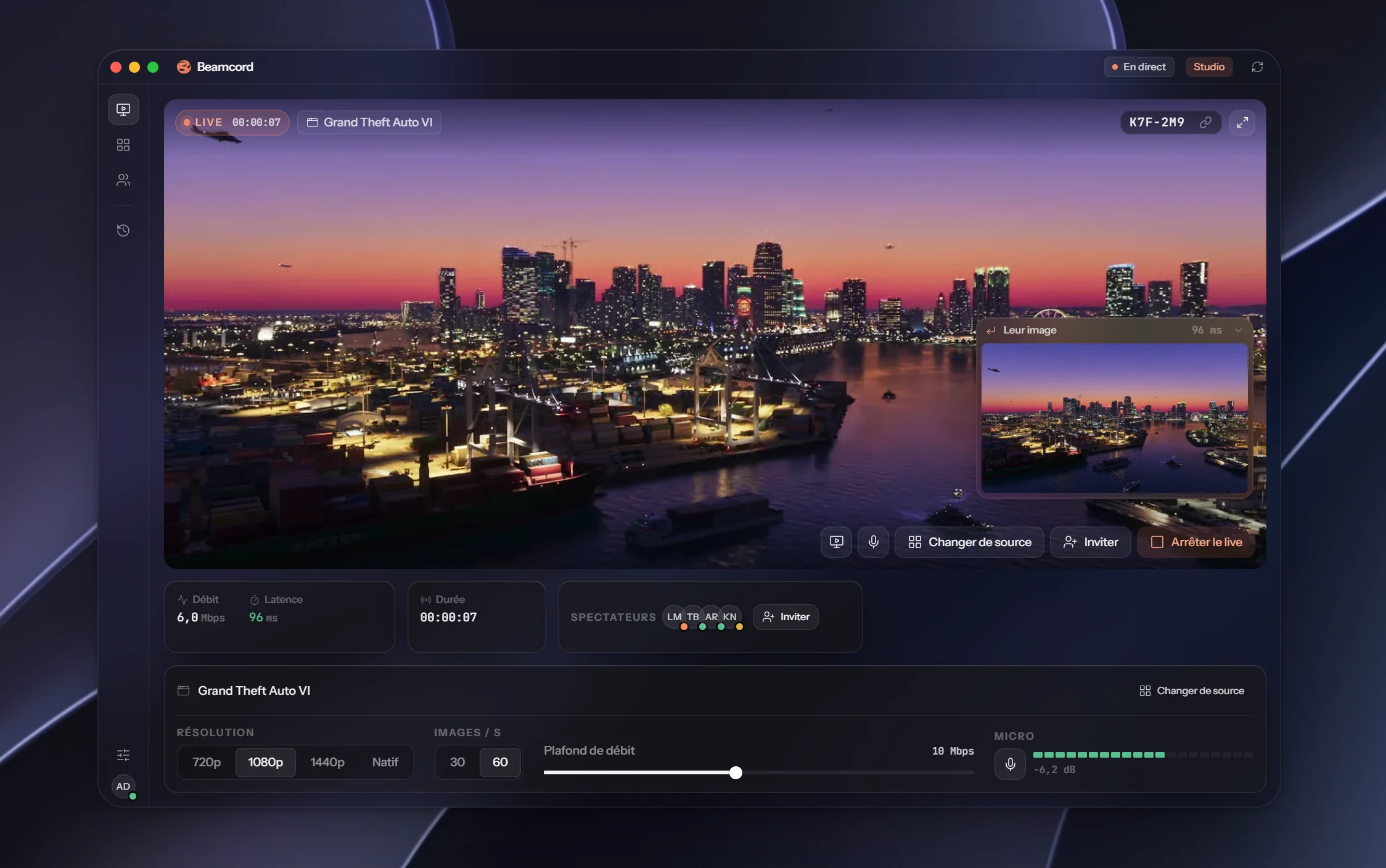
Beamcord captures the sound of the app you choose, and nothing else: not your mic, not your notifications, not the voices in your voice channel. The game's audio reaches your friends with the picture, and your conversations stay on your side.
You can also add your mic if you want to commentate, or stream with no sound at all.
How it works
- In Beamcord, pick what you show.
- In the audio setting, pick the app to stream.
- Start the stream: only that app's sound goes out.
- 1 appthe sound of the one you pick
- 0call voices echoed back
- 96 msfrom your screen to their eyes
FAQ
- Which operating system?
- Windows 10 or later. The macOS version is coming.
- Can I talk during the stream?
- Yes. The mic is a separate setting: add it if you want to commentate, otherwise it stays off.
- Will my notifications be heard?
- No, if you stream a single app: only its own sound goes out, system notifications stay on your side.
- How much does it cost?
- Watching is free. Streaming costs €3.99 a month with Solo (1080p, 60 frames per second, up to 20 viewers), or €7.99 with Studio (up to 1440p and native resolution, up to 50 viewers). Cancel anytime.
Game audio, without the echo
Pick one app, and that's all your friends hear.
See the plansFrom €3.99 a month · Windows 10+ · free for viewers