 Beamcord
Français
Beamcord
Français
Share your screen with a plain link
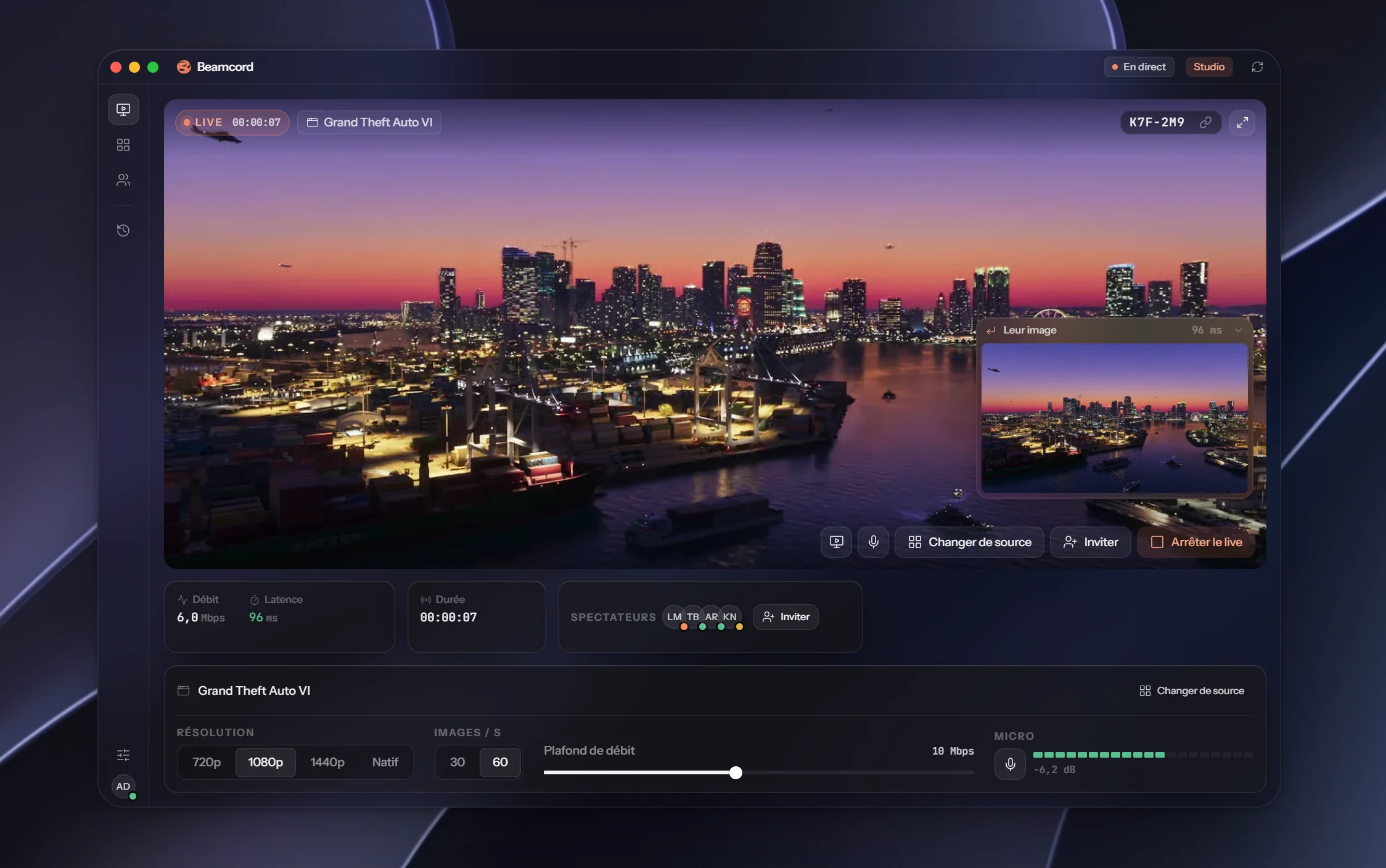
No invite to accept, no software to install, no account to create. You send a link, they open it, and they see your screen live.
The trouble with screen sharing tools
Most tools ask something of the person watching: install an app, create an account, join a meeting, or be on the same platform as you. Every step loses a few people along the way, especially the least tech-savvy.
One link, that's it
With Beamcord, watching means opening a web page. The link works in a browser on a computer, on an iPhone, and in Discord. Nothing to install, no account, nothing to pay for the viewer.
You choose what to show: the whole screen, or a single window. The rest of your desktop stays private.
How it works
- Open Beamcord and pick a screen or a window.
- Start the stream and copy the link.
- Send it by message, email or in a channel. They click and watch.
- 0installs for the viewer
- 1080p60from the Solo plan
- 96 msfrom your screen to their eyes
FAQ
- Do viewers need an account?
- No. The link is enough. Only the person streaming has a Beamcord account.
- Can I show a single window?
- Yes. You pick a whole screen or one specific window, and the rest of your desktop isn't streamed.
- Does it work on a phone?
- Yes, watching works on iPhone, in Safari as well as in the Discord app.
- How much does it cost?
- Watching is free. Streaming costs €3.99 a month with Solo (1080p, 60 frames per second, up to 20 viewers), or €7.99 with Studio (up to 1440p and native resolution, up to 50 viewers). Cancel anytime.
- Does it work on Mac?
- Streaming needs Windows 10 or later for now; the macOS version is coming. Watching works everywhere, Mac included.
Your screen, one click away
Send a link, they see your screen.
See the plansFrom €3.99 a month · Windows 10+ · free for viewers