 Beamcord
Français
Beamcord
Français
Blurry Discord screen share: how to stream in real quality
Text turns unreadable, motion breaks into blocks, your game becomes a slideshow. Here is where that comes from, and how to show your screen to your friends in 1080p60 with a plain link they open in Discord.
Why screen shares turn blurry
A screen share doesn't send your screen as it is: it compresses it live, frame by frame, to fit a given bitrate. When that bitrate is low, the encoder has to choose what to give up, and it always starts with the same things: small text, thin lines, textures, and anything that moves fast.
Resolution and frame rate come on top of that. Depending on settings and subscription, the picture may be scaled down before it is even compressed, or sent at fewer frames per second. For whoever is watching, the result is the same: a soft picture and a choppy game.
What Beamcord does
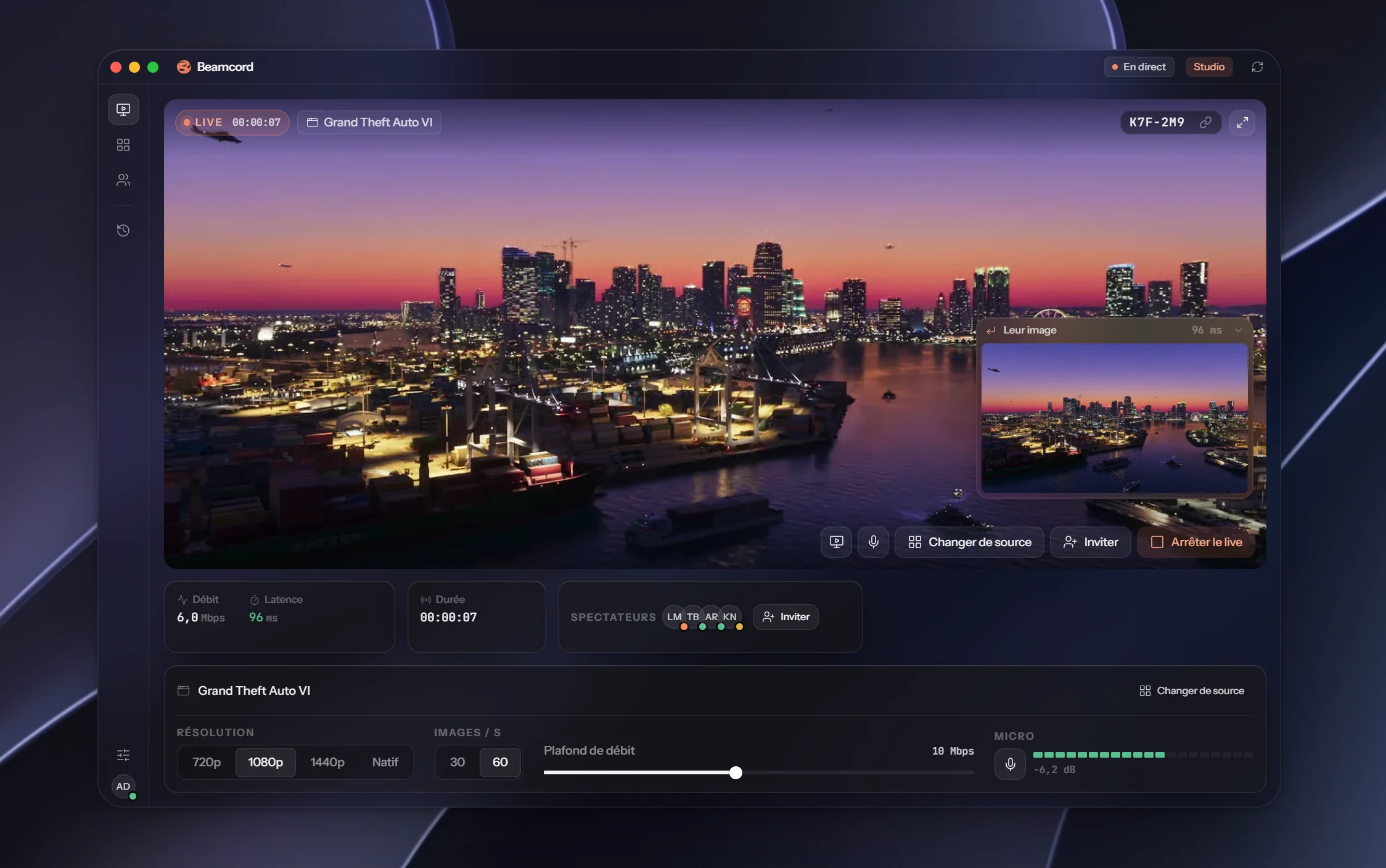
Beamcord is an app that streams your screen to a link. The picture is encoded by your machine's video chip, at your screen's real resolution and at the bitrate you choose: 10 Mbit/s by default. Text stays readable and motion stays smooth.
You paste the link into your channel, your friends click it, and the stream opens inside Discord itself, in the same window as the conversation. The same link also works in a browser, on a computer or an iPhone.
- 1080p60from the Solo plan
- 96 msfrom your screen to their eyes
- €0to watch, no account
Three steps
- Install Beamcord on your Windows PC and pick what to show: a screen or a window.
- Start the stream. Beamcord gives you a link.
- Paste that link into your Discord channel. Your friends click and watch.
FAQ
- Do my friends need to install anything?
- No. Watching means opening a link: in Discord, in a browser, or on an iPhone. They don't need a Beamcord account.
- Do viewers need Discord Nitro?
- No. Your viewers pay nothing, to us or anyone else: they open the link, that's it.
- How much does it cost?
- Watching is free. Streaming costs €3.99 a month with Solo (1080p, 60 frames per second, up to 20 viewers), or €7.99 with Studio (up to 1440p and native resolution, up to 50 viewers). Cancel anytime.
- Does game audio come through?
- Yes. You can even stream the sound of a single app, so your notifications and music stay on your side.
- Does it work on Mac?
- Streaming needs Windows 10 or later for now; the macOS version is coming. Watching works everywhere, Mac included.
Show your screen the way it is
One link, and your friends see what you see.
See the plansFrom €3.99 a month · Windows 10+ · free for viewers